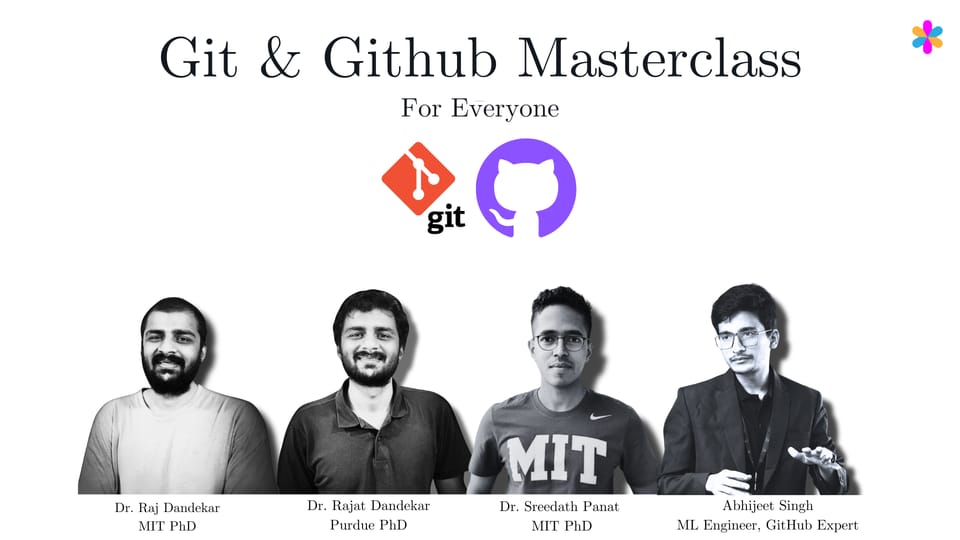
Git, GitHub & GitHub Desktop: A Masterclass for Complete Beginners thumbnail 1
Git, GitHub & GitHub Desktop: A Masterclass for Complete Beginners

Git, GitHub & GitHub Desktop: A Masterclass for Complete Beginners

Master version control from the ground up. This comprehensive course covers everything from basic Git commands and terminal usage to advanced GitHub workflows and CI/CD pipelines.

View course on Vizuara
InstructorTeam Vizuara
FormatSelf-Paced Video Masterclass
Sessions8 Modules
AudienceBeginners
Course Description

This masterclass is designed to take you from zero knowledge of version control to a confident user of Git and GitHub.

Through 37 structured lessons, you will learn how to manage code, collaborate with teams, and leverage GitHub Desktop for a streamlined development experience.

Learning Outcomes

By the end of this course, you will be able to:

Prerequisites
Course Sessions
Module
01

Introduction to Version Control

Understand the 'why' behind version control and the role of Git in modern software development.

Foundational concepts for beginners.

Core Topics

  • What is version control?
  • Why use Git/GitHub?
  • Git vs. GitHub
  • Terminal basics

Resources

Lecture VideoSlides
Module
02

Getting Started with Git

Set up your local environment and learn the essential commands to start tracking your projects.

Focus on local installation and configuration.

Core Topics

  • Git installation
  • Basic Git commands
  • Converting local projects to GitHub

Resources

Lecture VideoAssignment
Module
03

GitHub Repositories

Learn how to host your code, manage remote repositories, and interact with the GitHub ecosystem.

Connecting local work to the cloud.

Core Topics

  • Creating repositories
  • Pushing and pulling code
  • GitHub for students

Resources

Lecture VideoProject
Module
04

Branching and Merging

Master the art of parallel development by managing branches and resolving merge conflicts.

Essential for team collaboration.

Core Topics

  • What are Git branches?
  • Merging strategies
  • Handling conflicts
  • Git Fork

Resources

Lecture VideoAssignment
Module
05

GitHub Desktop Masterclass

Streamline your workflow using the GitHub Desktop GUI for those who prefer a visual interface.

Covers parts 1-5 of the desktop workflow.

Core Topics

  • GitHub Desktop interface
  • Visualizing commits
  • Managing branches visually

Resources

Lecture VideoColab
Module
06

Advanced Workflows & CI/CD

Introduction to automation and continuous integration pipelines.

Moving beyond basic version control.

Core Topics

  • CI/CD Part 1
  • CI/CD Part 2
  • Git/GitHub alternatives

Resources

Lecture Video
Module
07

Best Practices & Troubleshooting

Learn how to avoid common pitfalls and maintain a clean project history.

Tips for long-term project health.

Core Topics

  • Rookie mistakes
  • Git/GitHub best practices
  • Common troubleshooting

Resources

Lecture Video
Module
08

Course Wrap-up & Portfolio

Reviewing cool repositories and finalizing your GitHub profile.

Finalizing your learning journey.

Core Topics

  • Cool GitHub repos
  • Portfolio building
  • Next steps

Resources

Lecture VideoProject
Assessments

Git Command Proficiency

A practical assignment testing your ability to initialize, commit, and push code.

Branching Strategy Project

Create a repository, manage multiple branches, and perform a successful merge.

GitHub Portfolio Setup

Finalize your GitHub profile with a clean repository structure and documentation.